
Split any bill.
Know exactly who owes who.
Add a shared cost, choose who was in and how to split it, and Call It Even keeps a running balance for every friend and group — so nobody has to keep a mental tab again.


How it works
Even in four taps
No setup, no learning curve. Add a cost and Call It Even does the math.
Add an expense
Snap in the amount, who paid, and what it was for.
Pick who splits it
A few friends or a whole group — equally, by exact amounts, or by percentage.
Watch balances update
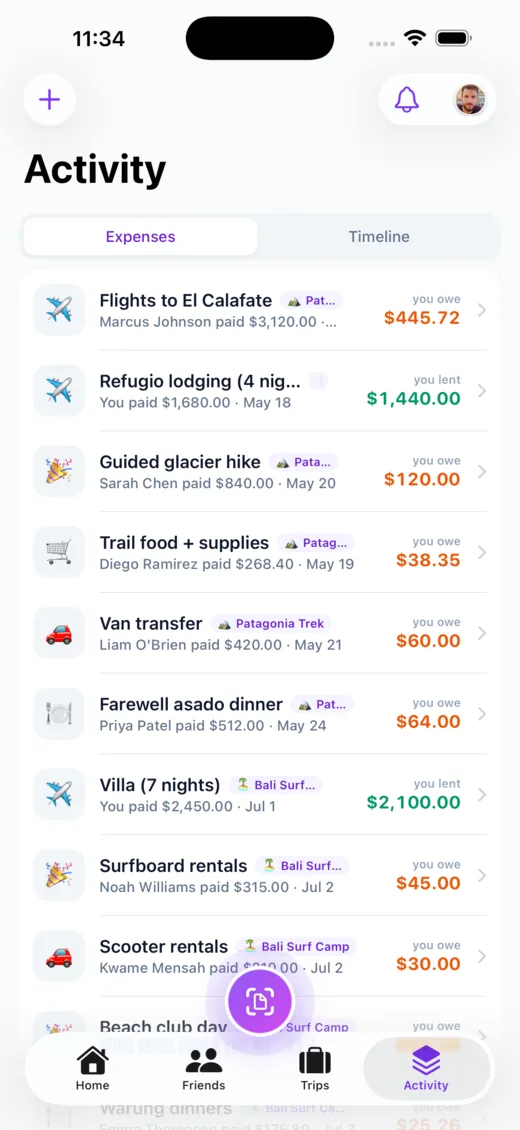
See who owes who, down to the cent, on your home screen.
Settle up
Record the payback and you’re even. Clean slate, every time.
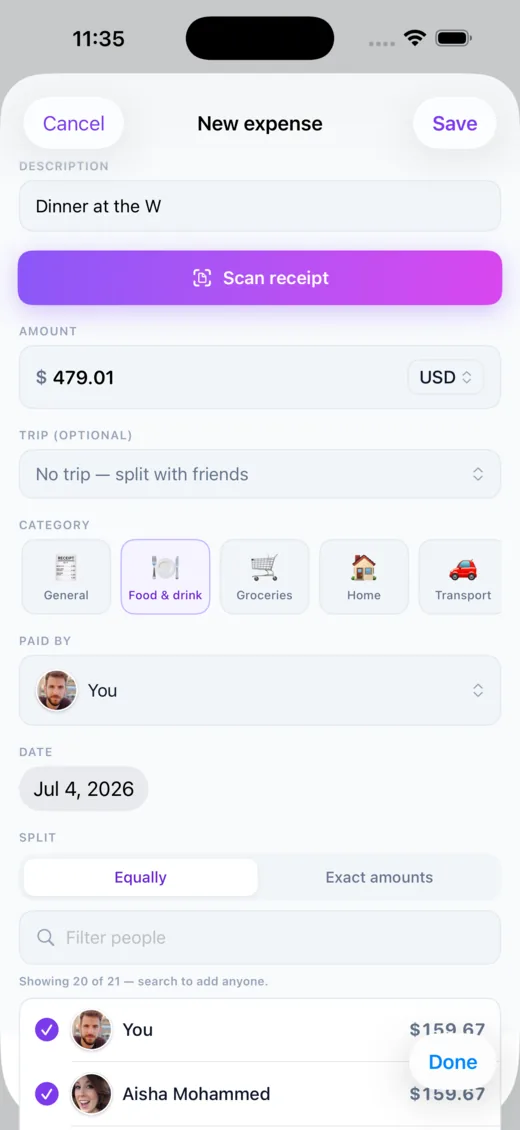
Two ways to split
Equal, or down to the exact cent
Split a bill evenly across everyone, or enter each person’s exact amount when shares aren’t equal. Call It Even checks that exact amounts add up to the total, and when an even split leaves an odd cent it hands it to one person so the shares always sum perfectly — never a penny lost or invented.
- ✓Equal split — divided evenly, with the odd cent resolved so it always balances
- ✓Exact amounts — type what each person owes; a live tally shows what’s left
- ✓Searchable picker — add exactly who’s in from a fast, searchable list
- ✓Eight categories — food, groceries, home, transport, travel, utilities, entertainment
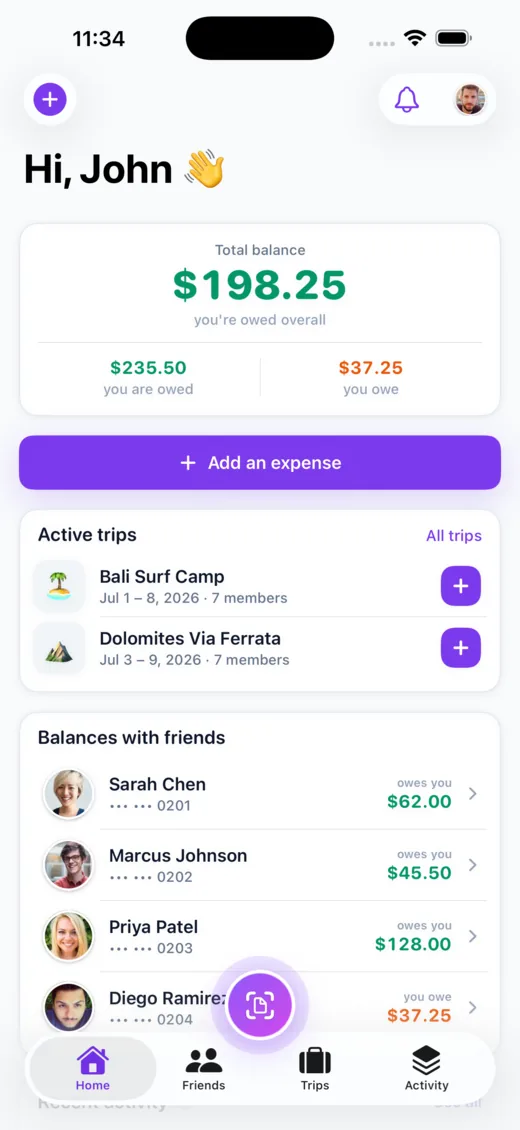
Settle up
Settle up — however you already pay
Call It Even is a ledger, not a bank. When someone pays you back — cash, Venmo, Zelle, PayPal, a bank transfer, whatever — you record it, and the balance resets to zero. We never hold, move, or ask for money, and there’s no card or bank login anywhere.
- ✓Record a payback — pick the direction and amount; partial payments are fine
- ✓Per-currency — settle one currency at a time — nothing is ever converted
- ✓Both sides notified — the other person gets a heads-up and it lands in both timelines
- ✓No money moves — we keep the score; you pay each other directly
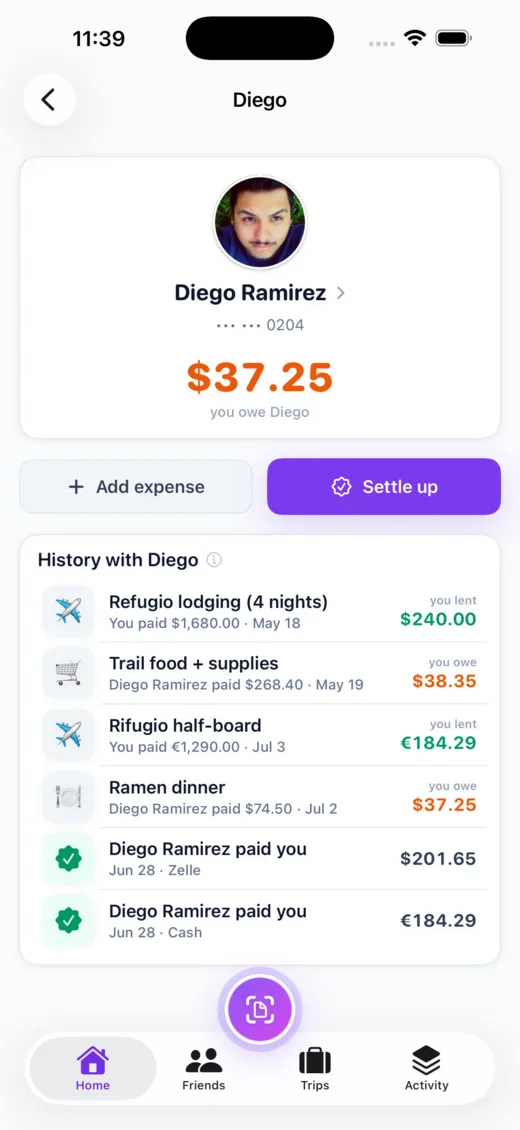
Never in doubt
Every change, on the record
A complete activity timeline logs every expense, edit, and payback with field-level history — so the numbers are never a question. Only the person who added an expense can change its amount or split, so a tab can’t be quietly rewritten.
- ✓Full audit trail — who added what, and every edit since
- ✓Fair by design — only the creator can change the amount, split, or delete it

Good to know
Frequently asked
Explore more of Call It Even
On Android? It’s here.
Call It Even is live on Google Play — receipt scanning, recurring bills, groups, and multi-currency, free forever. Same account as iPhone and the web.
See the Android story →
Ready to call it even?
Free to download, free to use. Split fair, settle up, and stay friends.