

To split the cost of a group gift, agree on a total budget and a fair per-person share, have one person buy the present up front, then collect each person’s share and track who has paid until everyone is square. It is the cleanest way to turn “we should all chip in for something” into an actual gift without one person quietly floating the whole cost. A ledger app like Call It Even makes the collecting and tracking effortless: you log what the gift cost, split it across the group, and watch each contribution land against a running balance, so nobody has to chase anybody with awkward reminders.
How do you split the cost of a group gift?
You split the cost of a group gift by fixing the total budget first, dividing it into per-person shares, letting one person pay the store, and then having everyone repay that person their share. The order matters: agree the money before anyone buys anything, so the buyer is never out of pocket for more than they signed up for.
A group gift has three moving parts, and getting them straight up front prevents almost every argument later:
- The budget. The total you are all willing to spend on the gift. Decide this before you shop, not after you fall in love with something pricier.
- The split. How the budget breaks down per person — usually equal, but not always.
- The buyer. One person fronts the money and buys the gift, and everyone else repays their share to that person.
Nail those three and the rest is just collecting. The friction people remember from group gifts almost never comes from the gift itself — it comes from the buyer having to nag six friends for $20 each over the following month.
How do you decide a fair per-person share?
You decide a fair per-person share by taking the agreed budget and dividing it by the number of contributors, then adjusting for anyone who wants to give more or less. An equal split is the default because it is the easiest to explain and the hardest to resent.
The equal split works for most occasions — a coworker’s send-off, a shared birthday present, a group wedding gift. But real groups are rarely perfectly even, and a good split absorbs that:
- Someone wants to give more. A close friend or family member may want their name on a bigger contribution. Let them.
- Someone is on a tighter budget. A student or a friend between jobs can put in less without being pushed out of the gift.
- Uneven closeness. Ten coworkers chipping in for a boss’s retirement gift may not all want to contribute the same amount.
This is exactly where an exact-amount split beats a rigid even divide. Instead of forcing everyone to $25, you let some people put in $40 and others $15, and the app reconciles it against the total automatically so the budget still adds up.
What is the best way to collect money for a group present?
The best way to collect money for a group present is to record each person’s share as a debt they owe the buyer, then let them pay it back however they like while you check them off as the money arrives. You never need to handle the cash yourself or become the group’s bank.
The old way — one person collecting cash in an envelope or fielding a dozen payment-app transfers — falls apart because there is no shared record. People forget whether they paid, the collector loses track, and the buyer is left guessing who still owes. A ledger fixes this by giving everyone the same source of truth:
- Log the gift once. The buyer enters what the present cost as a single expense.
- Split it across the group. Each person gets assigned their share, so the app knows exactly who owes what.
- Let people pay however they want. Cash, a bank transfer, a payment app — the ledger does not move money, it just records that a share was settled.
- Mark each payment as it lands. Every repayment drops that person’s balance to zero, and the activity timeline shows who is done and who is still outstanding.
Pro Tip: Log the gift and send everyone their share the same day you agree to it, while enthusiasm is high. Contributions collected in the first 48 hours almost always beat the ones you chase a week later.
How do you track who has paid for the gift?
You track who has paid by watching each contributor’s balance against the buyer: an unpaid share shows as a debt, and a recorded payback clears it to zero. At a glance you can see the whole group’s status without asking anyone.
This is the part that quietly ruins group gifts done by hand. Without a shared record, the buyer becomes an unpaid accountant, keeping a mental tally and sending “hey, did you get a chance to send that over?” texts that feel rude to send and rude to receive. A running ledger removes the need entirely — the timeline is the reminder, and it is neutral.
Here is what the two approaches feel like in practice:
| Task | By hand | With a shared ledger |
|---|---|---|
| Knowing who still owes | Scroll through texts and payment apps | Open the group and read the balances |
| Reminding a late payer | Awkward personal text | The outstanding balance speaks for itself |
| Confirming a payment arrived | Cross-check your bank feed | Mark it paid, balance goes to zero |
| Looping in someone new | Re-explain the whole thing | Share a read-only link |
Because the record is shared, anyone in the group can check the status themselves, which takes the buyer out of the middle entirely.
How do you handle people who want to give more or less?
You handle uneven contributions by using an exact-amount split instead of an even one, so each person’s stated amount is recorded against the same total. The budget still balances; only the per-person figures change.
There are two clean ways to do it:
- Exact amounts. Each person names what they will put in — $40, $30, $15 — and the split records those exact figures. Best when people have specific numbers in mind.
- Shares. You weight contributions in proportion — a double share here, a half share there — and the app divides the total accordingly. Best when you want a rough “some pay more” without pinning exact dollars.
The key is that nobody has to be publicly negotiated with. People set their own amount, the total still covers the gift, and the split reflects reality instead of forcing a fake even divide. If the contributions do not quite reach the budget, the buyer sees the gap immediately and the group can top it up or trim the gift.
A group gift should feel like everyone pitched in, not like one person ran a collection agency. The math should disappear so the gesture is the only thing that shows.
How to organize a group gift, step by step
Organizing a group present follows the same short sequence every time, whether it is for a wedding, a birthday, or a farewell.
- Agree the budget. Settle on a total the group is comfortable spending before anyone shops.
- Split it into shares. Divide equally by default, or use exact amounts for people who want to give more or less.
- Pick one buyer. One person fronts the money and buys the gift, so the purchase is simple and singular.
- Log and assign the cost. Enter what the gift cost and assign each person their share so everyone knows exactly what they owe.
- Collect and track. Let people repay however they like and mark each payment as it arrives until every balance hits zero.
- Settle up. Once everyone has paid the buyer back, the group is even and the gift is fully funded.
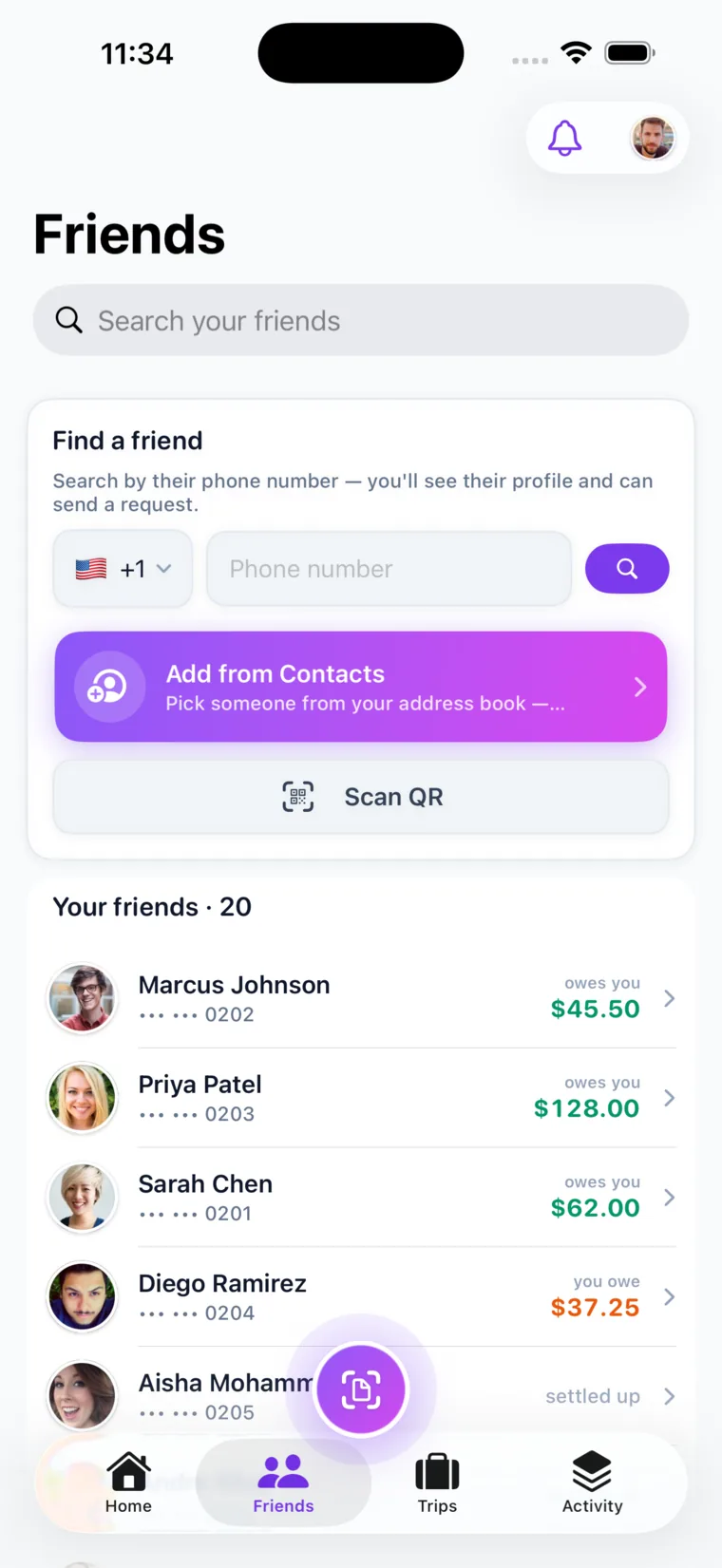
The heavy lifting is steps four and five, and that is precisely the part an app removes. You can also add friends who are not on the app as guests via a shareable link or QR code, so a distant relative or a coworker without the app can still be part of the split.
Call It Even makes splitting a group gift effortless
Call It Even is built for exactly this: one buyer, a group of contributors, and nobody wanting to play accountant. The buyer logs what the gift cost, splits it across the group equally or by exact amount, and every share becomes a tracked balance that clears to zero the moment someone pays back.
There are no fees, no bank details, and no envelope of cash — Call It Even keeps the ledger while everyone settles up however they already do. You can add people who are not on the app as guests with a link or QR code, share a read-only view so anyone can check the status, and let the running balance do the reminding for you. Get Call It Even and turn the next group gift into a five-second split.
Key takeaways
Splitting a group gift is simple once you separate the budget, the split, and the collecting — and let a ledger handle the last part.
| Point | Details |
|---|---|
| Agree the budget first | Fix the total before anyone shops so the buyer is never overcommitted. |
| One buyer fronts the cost | A single person pays the store; everyone else repays their share to them. |
| Split equally or by amount | Default to an even share, but use exact amounts for people who give more or less. |
| Track paybacks on a ledger | Each contribution clears a balance, so the timeline shows who is done at a glance. |
| Include everyone | Add non-app friends as guests with a link or QR code and share a read-only view. |
FAQ
How do you collect money for a group gift without being awkward?
Record each person’s share as a balance they owe the buyer and let a shared ledger show who has paid, so you never have to send personal reminder texts. The outstanding balance does the nudging for you, which keeps the collection neutral instead of personal.
How do you split a wedding or birthday gift among friends?
Agree a total budget, divide it into equal per-person shares, and have one friend buy the gift while everyone repays their share to them. If some friends want to give more, use an exact-amount split so the contributions still add up to the same budget.
What if someone wants to give more than their share?
Use an exact-amount split instead of an even one, so each person’s stated contribution is recorded against the same total. The budget still balances, and nobody is forced into an equal amount they did not want.
Does Call It Even hold or move the gift money?
No. Call It Even is a ledger, not a payment processor — it records who owes what and tracks paybacks, but the actual money moves however you already pay each other, whether that is cash, a transfer, or a payment app. There are no fees and no bank details required.
How do you include someone who does not have the app?
Add them as a guest with a shareable link or QR code, no account needed, and they appear in the split like anyone else. You can also share a read-only link so contributors can check the status without signing up.
Recommended
- Splitting Bills – Call It Even
- Getting Paid Back – Call It Even
- Group Expenses – Call It Even
- How to Split a Friendsgiving or Holiday Dinner – Call It Even
- How to Split a Bachelorette or Bachelor Party – Call It Even
- How to Split Expenses with Guests Who Aren't on the App – Call It Even
- How to Split a Bar Tab Fairly – Call It Even
- How to Split a Secret Santa or Gift Exchange – Call It Even
- How to Split the Cost of Being in a Wedding Party – Call It Even