

The honest version of this comparison: Splitwise is the category’s incumbent and it is a genuinely good product with a large user base, and Call It Even is a free-forever ledger built around three deliberate choices — never touching your money, letting people without accounts take part, and keeping the things you use daily uncapped. If your current setup works and nobody is complaining, there is no reason to move. This is for people who are already looking.
What does Call It Even do differently?
Four things, all of which are design decisions rather than features on a roadmap.
- It never holds or moves money. It is a ledger: it records who owes whom, and you settle however you already pay each other. No bank details, no card on file, no transaction fees — and nothing to be charged a percentage on.
- People without accounts count. Add them as guests and they appear in every split immediately; send a read-only link and they can see the numbers in a browser with no signup.
- Free forever, uncapped where it matters. Unlimited friends, groups and expenses, no ads, no subscription.
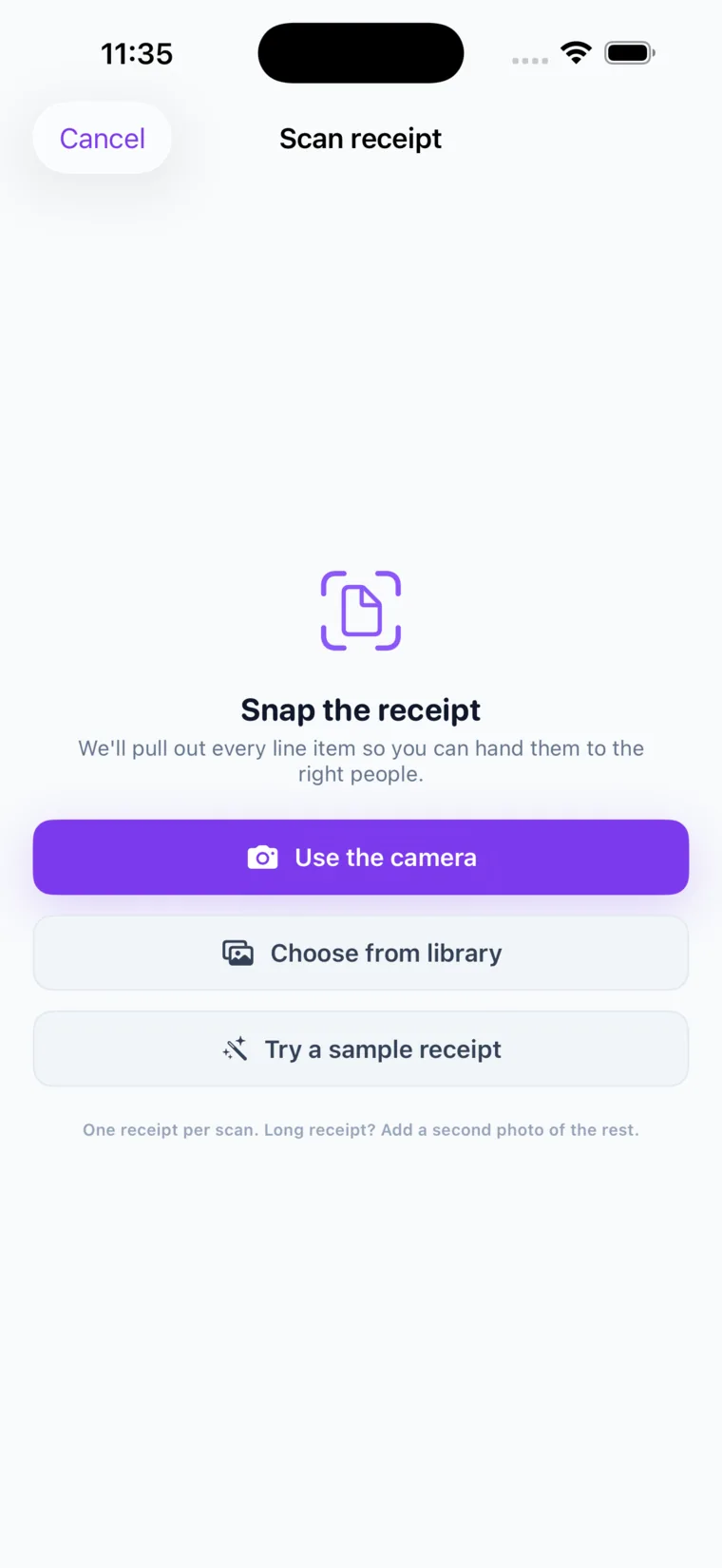
- Receipt scanning is included. Photograph a receipt, assign each line to a person, tax and tip applied proportionally. Free scans every month — two with a verified email and three more with a verified phone.
What Call It Even deliberately doesn’t do
Worth knowing before you switch, because these are choices rather than gaps we intend to close.
| Not offered | Why |
|---|---|
| Percentage or “by shares” splits | Splits are equal or exact amounts. For a 60/40 or an income-weighted share you work out each figure and enter it — the app confirms the parts add up to the total before saving. |
| Debt simplification | The ledger keeps a straight running balance with each person rather than netting across the group. Simpler to audit, and nobody is asked to pay someone they never transacted with. |
| Payments inside the app | By design. Settle up records a payment made elsewhere; we never become a money transmitter, which is also why there is nothing to charge you for. |
| Currency conversion | Multi-currency means a separate balance per currency, never summed or converted at a rate that will be wrong by the time you settle. |
If percentage splits or automatic debt simplification are things you use constantly, that is a real reason to stay where you are, and we would rather you knew now than found out on a group trip.
So how do you do a 60/40 split?
You calculate the two figures and enter them as an exact-amount split. On a $200 bill that is $120 and $80, typed in, with the app verifying they sum to $200.
In practice this is a smaller difference than it sounds, because the arithmetic is trivial and the entry is the same number of taps — but it is a difference, and it is fair to name it plainly rather than bury it.
What should you compare before switching?
Rather than take anyone’s feature table on faith — including this one — check these on the current version of each app:
- Current pricing and any caps, on each app’s own site. This category changes its terms often.
- Whether it asks to connect a bank or card.
- Whether non-users can participate, and how.
- Platform coverage for your actual group.
- How recurring bills work, if you share a household.
- How many taps a normal dinner takes. Install both and log one real expense.
Pro Tip: Don’t migrate a group on a comparison article, including this one. Log one real shared cost in each app with two friends. Whichever one your friends actually used a second time is the answer.
Who should switch — and who shouldn’t
| Switch if… | Stay if… |
|---|---|
| You want a tracker that never touches your money or asks for bank details | You rely on percentage or share-based splits |
| Half your group won’t install anything | Automatic debt simplification is central to how your group settles |
| You keep hitting caps on something you use daily | Your group is happily settled and nobody is complaining |
| You want receipt scanning included rather than added on | You want to send payments from inside the app |
| You share a household with recurring bills to automate | You have years of history you don’t want to leave behind |
How do you switch cleanly?
- Settle every outstanding balance on the old app first, so nothing is owed across two systems.
- Screenshot anything long-running — a housing deposit, say — that you may need months from now.
- Set up recurring bills first. Rent and subscriptions are the highest-value automation and they establish the habit.
- Bring the holdouts as guests instead of waiting for full adoption.
- Pick a settle day so paying becomes routine rather than a reminder.
Key takeaways
| Question | Answer |
|---|---|
| Does it move money? | No — a ledger by design. No bank details, no fees. |
| Cost? | Free forever; unlimited friends, groups and expenses; receipt scans included monthly. |
| Non-users? | Guests and read-only links — no signup required to take part or to see the numbers. |
| Split types? | Equal or exact amounts. No percentage/share splits, no debt simplification. |
| Platforms? | iPhone, Android and web on one shared ledger. |
FAQ
Is Call It Even free?
Yes — free forever, with no fees, no subscription, no ads and no bank details. Unlimited friends, groups and expenses, plus free receipt scans each month: two with a verified email and three more with a verified phone.
Does Call It Even support percentage splits?
No. Splits are equal or exact amounts. For a 60/40 you work out the two figures and enter them — on a $200 bill, $120 and $80 — and the app confirms the parts add up to the total before saving. If percentage splits are central to how your group works, that is a genuine reason to stay where you are.
Does it simplify debts across a group?
No, deliberately. It keeps a straight running balance with each person rather than netting across everyone, which is easier to audit and means nobody is asked to pay someone they never actually transacted with.
Can you send payments inside the app?
No, by design. Settle up records a payment you made elsewhere — Venmo, Zelle, cash, bank transfer. Never handling money is also why there is no fee and no bank connection.
Should I switch?
Only if something specific is bothering you — cost or caps, being asked for bank details, or friends who won’t install anything. If your current setup works and nobody is complaining, there is no reason to move a whole group. Try logging one real shared cost in each and see which one your friends open twice.
Recommended
- The Best Splitwise Alternatives in 2026 – Call It Even
- The Best Free App to Split Expenses with Friends – Call It Even
- Equal vs Itemized: The Fairest Way to Split a Bill – Call It Even
- Split Expenses & Settle Up – Call It Even